No Fusion Core Features
Removal of Over-Sharpening
The issue of over-sharpening on iPhones has long been a pain point, as excessive processing by the system's algorithms often results in unnatural-looking images.
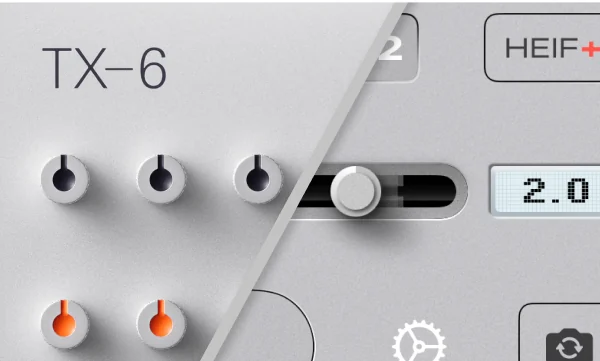
No Fusion innovatively utilizes the Apple ProRAW pipeline along with its own calibration and compression algorithms. This produces a more natural and softer image. This format is named HEIF+ in No Fusion.

Breaking Limits
Today's iPhone cameras come with many limitations—for example, several features cannot be enabled at the same time, and most third-party cameras lack many of the native camera's capabilities.
Through relentless research into the underlying technology, No Fusion has become the only third-party camera that can achieve all of the following in a single photo:
Color
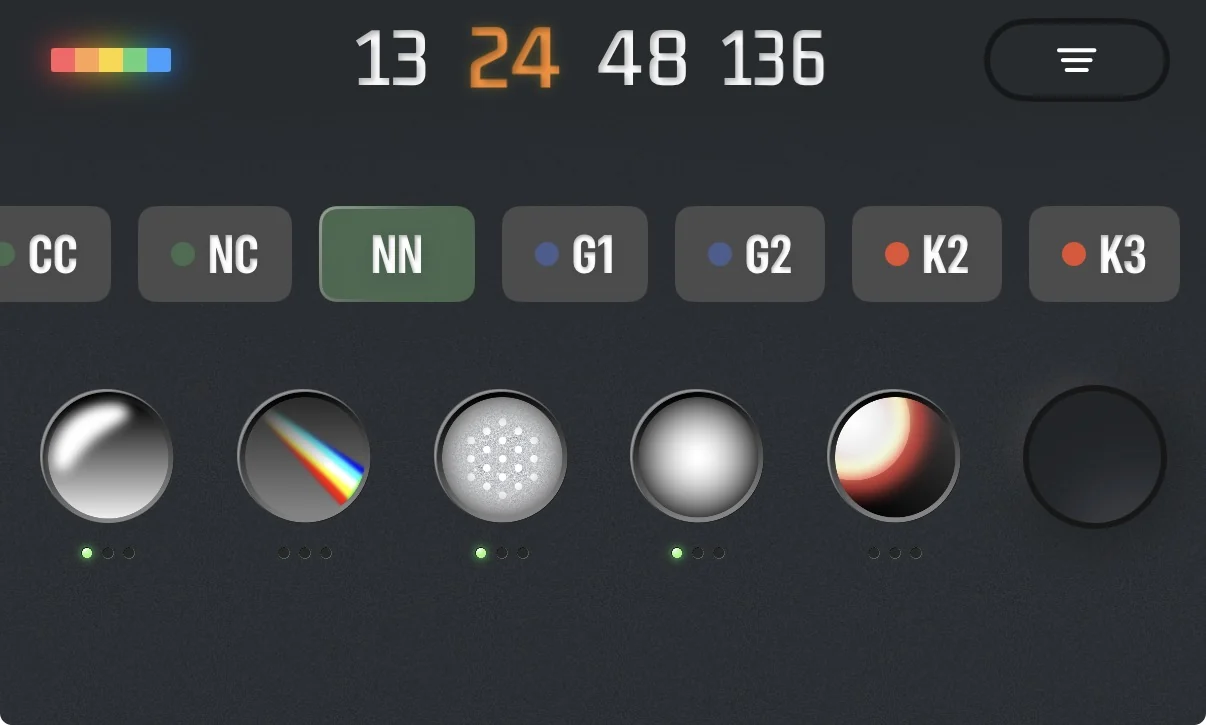
Building on the more natural HEIF+ format, No Fusion incorporates powerful stylization features. It comes with multiple built-in film presets and offers a full set of color adjustment tools for users. These include basic adjustments like exposure, contrast, and saturation, as well as advanced HSL adjustments. It also supports LUT import, preset file export/import, and filter grouping, allowing for limitless color possibilities.
Professional & Highly Customizable
No Fusion offers a rich set of professional features for imaging creators, including AF/AE lock, semi-automatic and manual modes, file format and compression rate selection, and focus peaking.
At the same time, No Fusion allows extensive customization of the interface and functionality to suit different users' habits: up to 10 customizable function buttons can be placed above and below the viewfinder, the volume button function and focal length are freely configurable, and the horizontal and vertical swipe gestures in the viewfinder can be tailored to your needs.
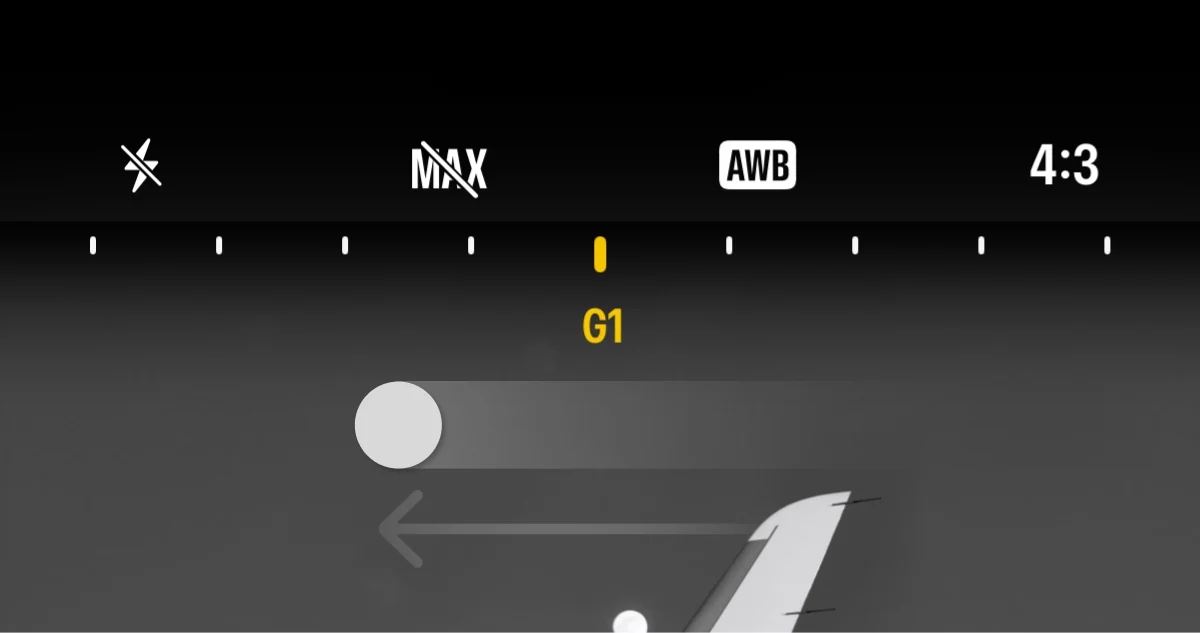
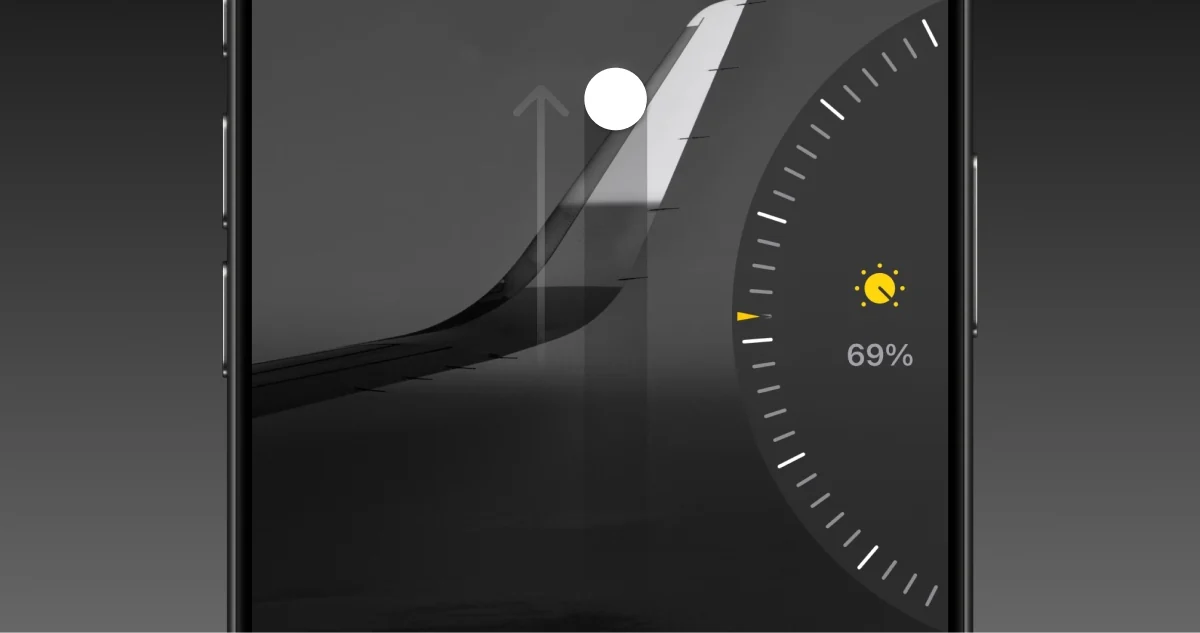
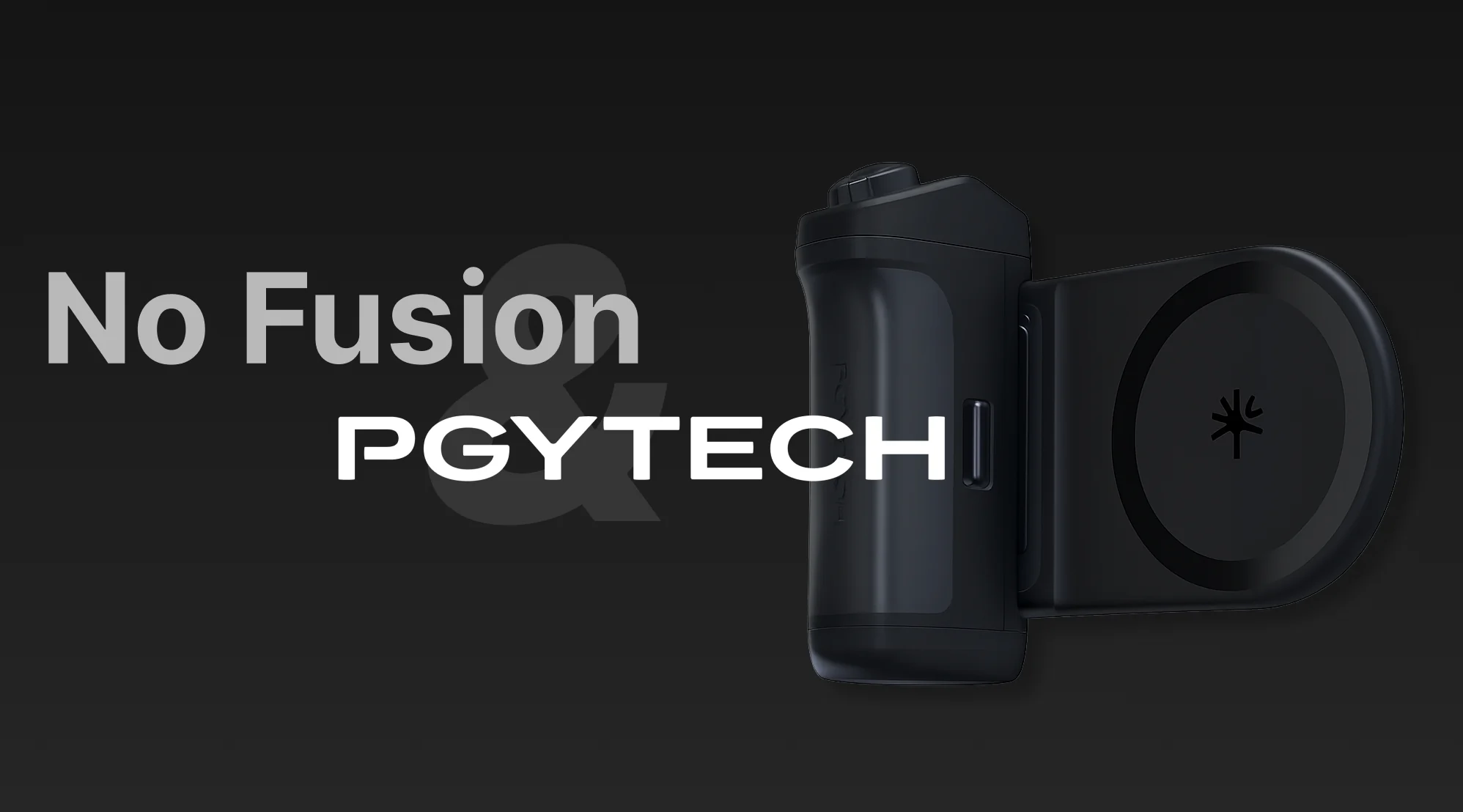
We've also partnered with PGYTECH to deeply integrate the PGYTECH-MagCam2 camera grip into No Fusion, delivering a more professional and efficient shooting experience.
Design
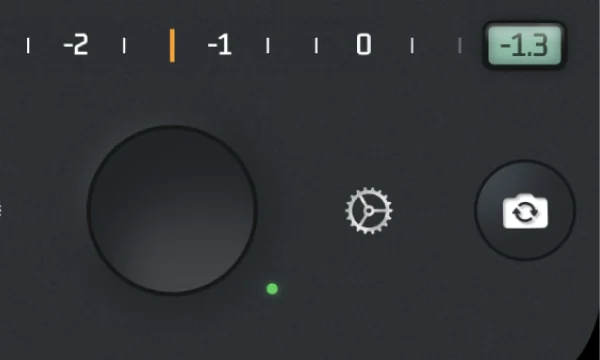
A professional camera doesn't have to mean a hard-to-use UI without any aesthetic appeal. No Fusion reimagined and redesigned the camera experience for mobile photography, resulting in a simple, efficient, and intuitive UI.